Shady Map flickr photo by NomadWarMachine shared under a Creative Commons (CC BY-NC-SA 4.0) license
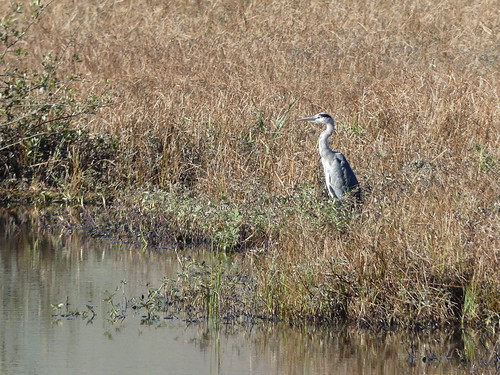
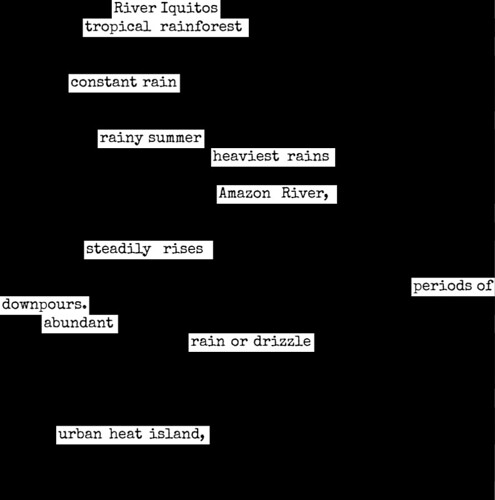
On a cloudy day
Still, there are moments of light
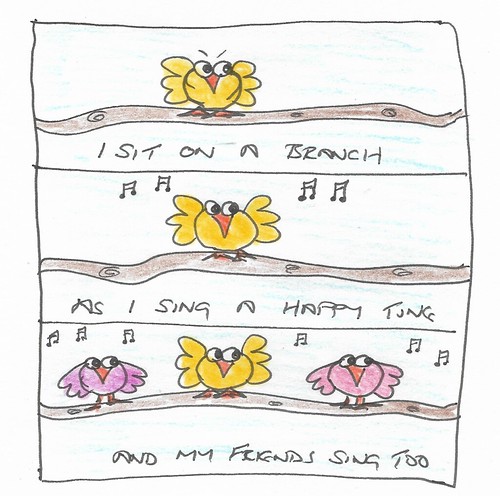
Birds sing, and I smile


Shady Map flickr photo by NomadWarMachine shared under a Creative Commons (CC BY-NC-SA 4.0) license
On a cloudy day
Still, there are moments of light
Birds sing, and I smile


333/365 Sunset flickr photo by NomadWarMachine shared under a Creative Commons (CC BY-NC-SA 4.0) license
Today’s TDC asks us to:
Find a suitable image. Now cut it up into several pieces (16-32 is a good range). Now rearrange those pieces to form a different image. Bonus points if you go beyond squares and triangles.
I decided to make a jigsaw, so I searched for a free, online jigsaw maker. I uploaded my mastodon profile pic and followed the instructions. You can solve it for yourself here.

Doodle Jigsaw flickr photo by NomadWarMachine shared under a Creative Commons (CC BY-NC-SA 4.0) license

Doodle Jigsaw Solve flickr photo by NomadWarMachine shared under a Creative Commons (CC BY-NC-SA 4.0) license
Today’s TDC asks us to
At the site, Plotted, users make maps from books they are reading. Explore the site’s many maps and choose one to share, or use one of the maps to make some interesting art, or if you want, create your own literatured-themed map there or elsewhere and share that.
I found a map of Earthsea, and added a wizard

Today’s TDC says:
You love creating art, right? You like doing with it us here in the Daily Create, right? Put it on the shelves with this frame (transparent PNG to overlay your image of CreArting DS106 style).
For my first attempt I uploaded my doodle to LunaPic and used the glitterize filter, then use PPT to put the files together. This worked fine on screen, so I used the export as function to save as gif. Again, it all looked fine but when I added it to a Masto toot it looked like a static image.
So here’s my second attempt – a static version of the image uploaded to Giphy and glitter added there.

Glasgow Uni Tower and the River Kelvin flickr photo by NomadWarMachine shared under a Creative Commons (CC BY-NC-SA 4.0) license
Today’s TDC asks us to:
You and your favorite book. Combine that pair into art. We want to know the title of the book.
Use text and images; parts of the story; your emotions and drive to read that one.
I chose Alice in Wonderland – one of my many favourite books. I searched for Tenniel’s illustration and photoedited Lacey cat’s head onto the cat. Quick and dirty.

Alice and Lacey flickr photo by NomadWarMachine shared under a Creative Commons (CC BY-NC-SA 4.0) license
Today’s TDC asks us to
Use the Portent Title Generator to randomly generate a title about DS106…then WRITE THAT POST!
So I did. Amusingly I got this prompt

Portent Title Generator flickr photo by NomadWarMachine shared under a Creative Commons (CC BY-NC-SA 4.0) license
Amusing, that is, as I usually complete the activity soon after it is published at 10am my time, but today I’ve been caught up in meetings and with workmen, so have only just sat down to look at it at 3pm.
Anyway – here it is. Another post from me talking about how I love to do the Daily Create every day because it stimulates my creative mind and helps to take me away from the daily grind. And because practice doesn’t make perfect, but it does make better.

Royal Cats flickr photo by NomadWarMachine shared under a Creative Commons (CC BY-NC-SA 4.0) license
Today’s TDC asks us to
Make a digital photogram without the need for special paper or chemicals.
It’s a busy day here, with work and also a wee guy painting the house, so I knew I’d need to cheat to do this one. I found some black card and sketched out an owl, cut that out and photographed it on top of some printer paper.

Monochrome flickr photo by NomadWarMachine shared under a Creative Commons (CC BY-NC-SA 4.0) license
Then I uploaded it to Lunapic and used the negative filter to make a photogram

Photogram flickr photo by NomadWarMachine shared under a Creative Commons (CC BY-NC-SA 4.0) license